
搭建属于自己的技术博客
每個程序員都需要自己的博客 ==本文的博客搭建采用了靜態博客技術 。技術框架是:github pages和hexo -----------------------hexo安裝 ======hexo介紹 ------Hexo 是一個快速、簡潔且高效的博客框架。Hexo 使用 Markdown(或其他渲染引擎)解析文章,在幾秒內,即可利用靚麗的主題生成靜態網頁。安裝hexo之前需要先安裝git和node.js ------------------------參考網站:https://hexo.io/zh-cn/docs/index.html安裝git: ------sudo yum install git-core安裝node.js ---------Wget:$ wget -qO- https://raw.github.com/creationix/nvm/master/install.sh | sh安裝完成后,重啟終端并執行下列命令即可安裝 Node.js。$ nvm install stable安裝 Hexo所有必備的應用程序安裝完成后,即可使用 npm 安裝 Hexo。$ npm install -g hexo-cligithub pages的配置 ===============1.新建repo2.設置名字為username.github.io3.點擊setting,選擇launch automatic page generater,然后點擊continue to layouts,開通pages配置hexo ======1.初始化 ----- hexo init folder cd folder npm install2.配置文件 ------_config文件里面包含了配置信息基本的配置信息介紹網站 --參數 描述title 網站標題subtitle 網站副標題description 網站描述author 您的名字language 網站使用的語言timezone 網站時區。Hexo 默認使用您電腦的時區。時區列表。比如說:America/New_York, Japan, 和 UTC 。網址 --參數 描述 默認值url 網址 root 網站根目錄 permalink 文章的 永久鏈接 格式 :year/:month/:day/:title/permalink_default 永久鏈接中各部分的默認值 網站存放在子目錄如果您的網站存放在子目錄中,例如 http://yoursite.com/blog,則請將您的 url 設為 http://yoursite.com/blog 并把 root 設為 /blog/。目錄 --參數 描述 默認值source_dir 資源文件夾,這個文件夾用來存放內容。 sourcepublic_dir 公共文件夾,這個文件夾用于存放生成的站點文件。 publictag_dir 標簽文件夾 tagsarchive_dir 歸檔文件夾 archivescategory_dir 分類文件夾 categoriescode_dir Include code 文件夾 downloads/codei18n_dir 國際化(i18n)文件夾 :langskip_render 跳過指定文件的渲染,您可使用 glob 表達式來匹配路徑。 3..本地測試 ------- hexo g # 或者hexo generatehexo s # 或者hexo server,可以在http://localhost:4000/ 查看hexo部署到github =============1.安裝擴展工具 --------npm install hexo-deployer-git --save2.clone項目到本地 ------------ cd <file>$ git clone clone地址鏈接3.創建一個deploy腳本文件 ----------------fengsehng.github.io是我的項目名字```#!/bin/bash# This is our first script.hexo generatecp -R public/* fengsehng.github.iocd fengsehng.github.iogit add .git commit -m “update”git push origin master```4.大公告成,查看github pages網址:https://fengsehng.github.io/----------------------------------------------------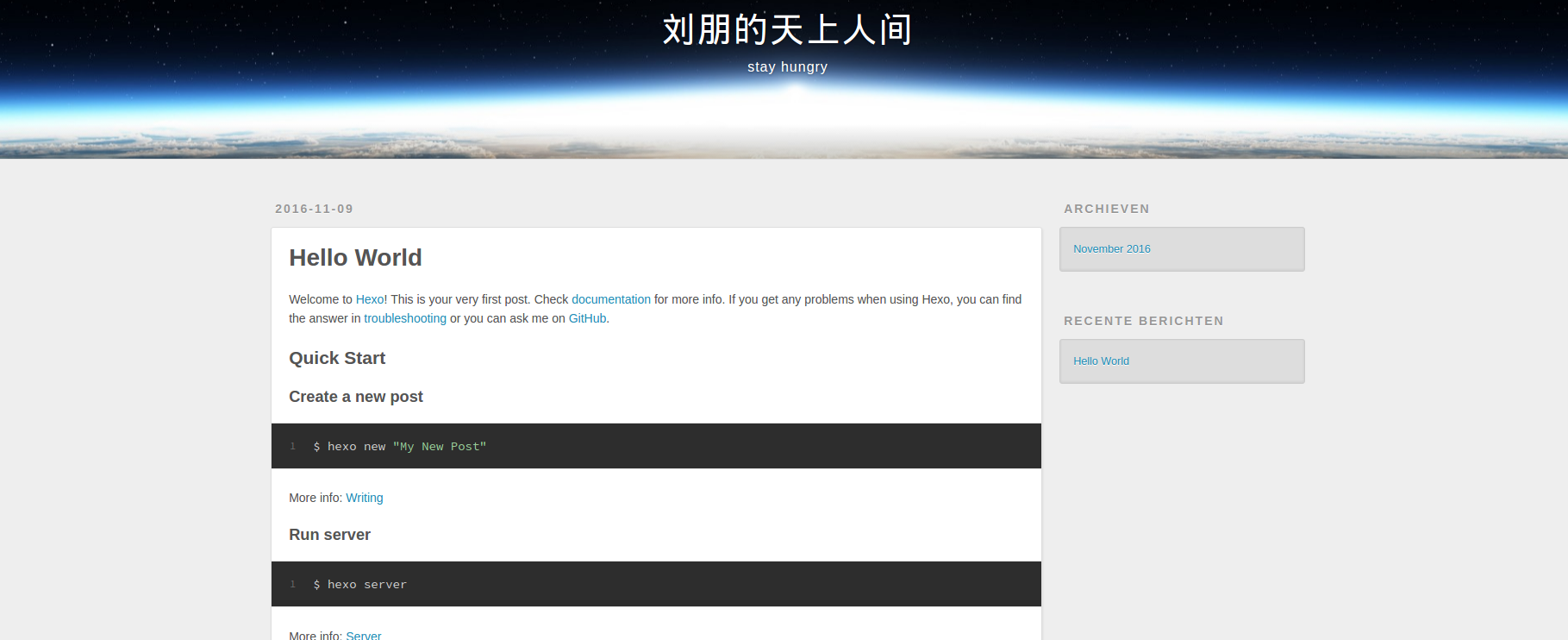hexo技巧: =======在工程目錄下添加插件添加sitemap和feed插件npm install hexo-generator-feednpm install hexo-generator-sitemap修改_config.yml,增加以下內容```# ExtensionsPlugins:- hexo-generator-feed- hexo-generator-sitemap#Feed Atomfeed: ?type: atom ?path: atom.xml ?limit: 20#sitemapsitemap: ?path: sitemap.xml```另外還有其他幾個常用命令: -------------hexo new "postName" ?新建文章hexo new page "pageName" 新建頁面參考:http://jiji262.github.io/2016/04/15/2016-04-15-hexo-github-pages-blog/http://www.jianshu.com/p/05289a4bc8b2https://hexo.io/zh-cn/docs/configuration.html## 我的微信二維碼如下,歡迎交流討論 ##歡迎關注《IT面試題匯總》微信訂閱號。每天推送經典面試題和面試心得技巧 ===============================## 微信訂閱號二維碼如下:##
轉載于:https://blog.51cto.com/fengsehng/1871337
總結
以上是生活随笔為你收集整理的搭建属于自己的技术博客的全部內容,希望文章能夠幫你解決所遇到的問題。

- 上一篇: 浅析call和apply的不同
- 下一篇: 多区域OSPF